What Size Inverter to Run A Laptop
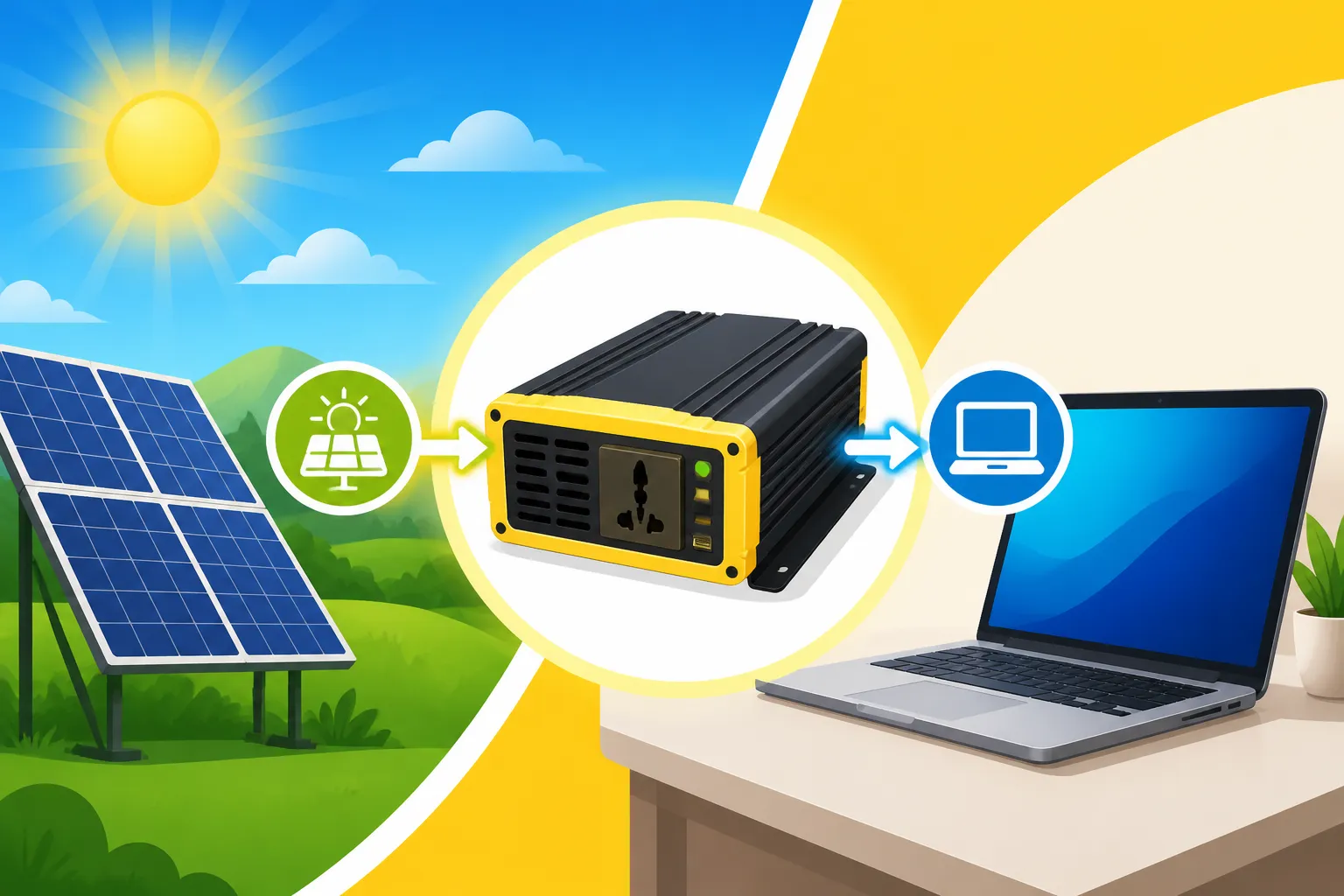
Trying to figure out how to keep your laptop charged when you're off the grid can feel like a riddle. You've got your panels, your batteries, but when it comes to that crucial link – the inverter – it's easy to get overwhelmed by all the numbers and technical jargon. This guide is designed to cut through that confusion, giving you a crystal-clear understanding of exactly what size inverter you need to reliably power your laptop, ensuring your digital life stays humming even far from the nearest outlet.
Understanding Your Laptop's True Power Needs
Before you even think about an inverter, you need to become intimately familiar with your laptop's power demands. It's not as simple as guessing; a little detective work on your charger can save you a lot of headaches (and potentially fried electronics) down the line. Many people overestimate or underestimate what their devices actually require, leading to either an oversized, expensive inverter or an undersized one that constantly trips or struggles.
Checking the Laptop Charger's Specifications
The most accurate place to start is your laptop's power brick. Every laptop charger has a small label – sometimes tiny and hard to read – that lists its electrical specifications. What you're primarily looking for is the "output" wattage or amperage.
Most standard laptops, like a Dell XPS 13, a MacBook Air, or a typical Chromebook, will have chargers in the 30W to 65W range. For instance, a common charger might list an output of "19V DC, 3.42A." To find the wattage, you simply multiply the volts by the amps: 19V * 3.42A = 64.98W. So, for practical purposes, this is a 65W charger. Larger, more powerful laptops, especially gaming laptops or high-performance workstations like a MacBook Pro 16-inch or a hefty gaming rig, can have chargers rated anywhere from 90W to 200W, sometimes even higher. A Lenovo Legion gaming laptop, for example, might come with a 230W power brick. This wattage is the maximum power your charger is designed to deliver to your laptop under ideal conditions. It's the critical number you need to size your inverter.
Don't confuse the input wattage or amperage with the output. The input refers to the AC power it draws from a wall outlet, while the output is the DC power it converts to for your laptop. We are interested in the output, as that's what your laptop actually consumes. It’s always better to size your inverter based on this maximum output, providing a buffer for optimal performance.
Real-World Use Versus Rated Output
While your laptop charger has a maximum rated output, your laptop often doesn't draw that full amount constantly. Think of it like your car's speedometer: it might go up to 140 mph, but you rarely drive that fast. When your laptop is just idling, browsing the web, or working on a document, it might only be drawing 20-40 watts. However, when you're charging the battery, running processor-intensive applications like video editing software, compiling code, or gaming, the power draw will spike, getting much closer to, or even momentarily exceeding, the charger's rated output.
Unlike appliances with motors, like a refrigerator or a well pump, laptops don't have a significant "starting surge." They don't have a massive initial power draw that then settles down. Instead, their power consumption is dynamic, fluctuating based on the tasks they're performing and the state of their internal battery. If your laptop's battery is deeply discharged, the charger will work harder, drawing more power from the inverter to both run the laptop and recharge the battery simultaneously. This is where your inverter needs to be able to handle the sustained maximum draw, not just the average. Understanding these dynamics is crucial when you are trying to figure out how to calculate daily energy usage for your entire off-grid system, not just your laptop.
Selecting the Ideal Inverter for Laptop Charging
Once you understand your laptop's power needs, choosing the right inverter becomes much clearer. The key isn't just about raw wattage; it's also about the type of power the inverter produces and having a bit of breathing room for efficiency and other small devices.
Pure Sine Wave is Non-Negotiable
This is perhaps the most critical piece of advice when powering sensitive electronics like laptops. There are two main types of inverters: modified sine wave and pure sine wave. While modified sine wave inverters are generally cheaper, they produce a "choppier" waveform that isn't clean or consistent. This can be problematic for laptops and other sensitive electronics.
Using a modified sine wave inverter can lead to several issues: your laptop charger might run hotter, charge less efficiently, or even develop an audible buzzing noise. Over time, it can cause premature wear and tear on your laptop's power brick and internal components, potentially shortening their lifespan. For these reasons, a pure sine wave inverter is an absolute must for laptops. Pure sine wave inverters replicate the smooth, consistent waveform of utility grid power, ensuring your laptop receives clean, stable electricity, just as it would from a wall outlet. While they typically cost a bit more, the peace of mind and protection for your valuable electronics are well worth the investment. Many reputable brands, including Renogy, offer excellent pure sine wave inverters suitable for off-grid applications.
Sizing for Safety and Efficiency
To ensure your inverter can handle your laptop's demands safely and efficiently, you should always select an inverter with a continuous wattage rating that is at least 20-30% higher than your laptop charger's maximum output. This buffer accounts for several factors:
- Inverter Efficiency Losses: No inverter is 100% efficient. Most operate between 85% and 95% efficiency. A portion of the power drawn from your battery bank is converted into heat rather than usable AC electricity. By oversizing slightly, you ensure that even with these losses, your inverter can comfortably supply the required power.
- Momentary Peaks: While laptops don't have large starting surges, they can have brief moments of higher power draw, especially when booting up, waking from sleep, or intensely processing data. A slightly larger inverter can handle these small peaks without stress.
- Longevity and Reliability: Running an inverter at its absolute maximum capacity for extended periods can shorten its lifespan. Giving it some headroom means it won't be constantly pushed to its limits, leading to cooler operation and greater reliability over the years. This consideration is also important when considering the overall Cost of an Off-Grid Solar Inverter.
So, if your laptop charger is 65W, a 100W or 150W pure sine wave inverter would be a comfortable choice. If you have a 100W gaming laptop charger, a 200W or 300W inverter would be more appropriate. You can often find compact, reliable pure sine wave inverters in these lower wattages from retailers like Amazon.
Considering Additional Small Devices
Let's be real: you're probably not just charging your laptop. Most off-grid setups involve charging phones, tablets, smartwatches, and maybe powering a small LED light or a fan. These devices, while individually low-power, add up. If your inverter has extra AC outlets or built-in USB ports, you might find yourself plugging in your phone charger alongside your laptop.
When choosing your inverter size, think about the total wattage of all the devices you foresee running simultaneously. If your 65W laptop and your 10W phone charger (using a wall adapter) are both plugged into the inverter, you're looking at a combined draw of 75W. In this scenario, that 150W inverter still gives you plenty of overhead. If you're pondering how to choose an off-grid inverter, ensure it can accommodate not just your laptop, but any other small necessities you might want to power concurrently, without pushing the inverter to its limits. Planning for these small extras upfront helps avoid frustrating trips to the breaker or unexpected power loss.
| Laptop Charger Output (Watts) | Minimum Recommended Inverter Size (Pure Sine Wave) | Comfortable Recommended Inverter Size (Pure Sine Wave) |
|---|---|---|
| 30W – 45W | 75W | 100W – 150W |
| 60W – 65W | 100W | 150W – 200W |
| 90W – 100W | 150W | 200W – 300W |
| 120W – 150W | 200W | 300W – 400W |
| 180W – 230W | 300W | 400W – 500W |
Integrating Your Laptop Inverter into an Off-Grid System
Whether you're setting up a dedicated mobile workstation or incorporating laptop charging into a larger home system, understanding how to properly integrate your inverter is key to a smooth and reliable power supply. The approach will vary depending on the scale and complexity of your overall off-grid setup. This is a fundamental aspect of any Off-Grid Solar System Sizing Guide.
Standalone Versus System Integration
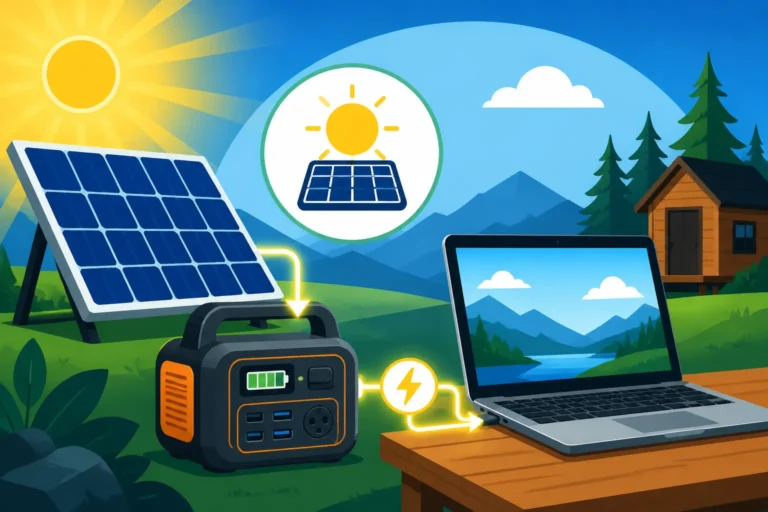
For many, especially those with small setups like in a van, RV, or remote cabin, a small, dedicated inverter just for a laptop might be a perfect fit. These typically plug directly into a 12V cigarette lighter socket or connect with alligator clips directly to a small 12V battery. This approach is incredibly simple and cost-effective. You might have a compact 100W or 150W pure sine wave inverter that you keep in your glove box or toolbox, pulling it out only when needed. This prevents the larger system's inverter from idling unnecessarily, saving precious battery power. Many people choose to size an off-grid system for a van this way, keeping things minimalist.
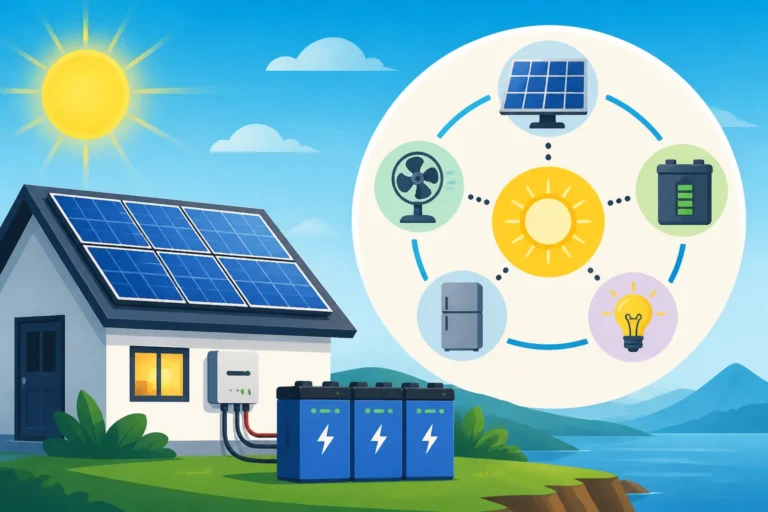
On the other hand, if you have a more comprehensive off-grid solar system for a tiny home or a larger cabin, you likely already have a substantial inverter (e.g., 2000W, 3000W, or even 5000W) that powers your entire AC circuit. In this case, your laptop inverter isn't a separate piece of equipment; you'd simply plug your laptop charger into one of the AC outlets powered by your main system inverter. The main inverter already handles the DC-to-AC conversion for all your household appliances, and your laptop just becomes another load on that system. This is where understanding your entire Off-Grid Solar Equipment Explained comes into play. The choice here largely depends on the scale of your overall off-grid living situation and your power consumption habits.
Safety and Installation Tips
Regardless of whether you go with a small, standalone inverter or plug into a larger system, safety is paramount. When connecting a small inverter directly to a battery, always use properly sized wires and ensure there's an inline fuse on the positive cable, close to the battery terminal. This fuse protects your wiring and equipment from potential shorts or overloads. For a 150W 12V inverter, a 15-20 amp fuse is usually appropriate (150W / 12V = 12.5A, plus buffer). Overly long or undersized wires can lead to voltage drop and reduced inverter performance.
If you're integrating into a larger system, ensure your main inverter is correctly installed, grounded, and protected by appropriate circuit breakers. Always double-check your wiring diagrams and consult with an electrician if you're unsure. While powering a laptop might seem like a small task, it's part of a larger electrical system that needs to be treated with respect and proper safety measures. If you're a beginner, it's useful to look into Best Off-Grid Solar Kits for Beginners, as these often come with pre-sized and paired components to simplify installation and safety.
Remember, a well-designed off-grid system isn't just about generating power; it's about safely and efficiently delivering that power to your devices, big or small.
Disclaimer
The information provided in this guide is for general informational purposes only and does not constitute professional electrical advice. Always consult with a qualified electrician or solar professional for specific design, installation, and safety recommendations tailored to your unique off-grid solar system. Working with electricity can be dangerous, and improper installation can lead to property damage, injury, or death.