Cost to Run A Laptop on Off-Grid Solar
One of the biggest anxieties many people have when considering an off-grid lifestyle, or even just working remotely from a cabin in the woods, is how they'll keep their essential electronics, like their laptop, charged and ready. The fear of a dead battery when you're miles from the nearest outlet is real, and the thought of figuring out a solar setup can feel overwhelming and expensive. This guide is here to demystify the actual costs and practicalities of running your laptop using off-grid solar, helping you navigate the options from simple portable chargers to more robust systems.
Understanding Your Laptop's Power Needs for Off-Grid Solar
Before you even start looking at panels and batteries, you need to understand what your laptop actually requires to run. It's not as simple as just "power" – there are nuances in how much energy it sips and how long it needs to sip it for. Overlooking this step is a common mistake that can lead to an undersized, frustrating, and ultimately more expensive setup.
Laptop Wattage and Battery Capacity
Every laptop is a little different, but they all share a fundamental need for a certain amount of power to operate and to charge their internal battery. Most laptops typically draw anywhere from 20 to 90 watts when actively in use, with gaming laptops or those performing intensive tasks (like video editing) sometimes peaking even higher, into the 100-150 watt range. When it comes to charging, that wattage can be similar or slightly higher to rapidly replenish the internal battery.
Think of it like this: your laptop's charger usually has a label indicating its output, often in watts (W). A common MacBook charger might be 60W or 96W, while a PC laptop might use a 45W, 65W, or 90W charger. This wattage is what the laptop can draw from the wall. What you really need to consider is its actual consumption over time, measured in watt-hours (Wh). Your laptop's internal battery capacity, typically listed in Wh (e.g., 60 Wh, 100 Wh), tells you how much energy it can store. To fully charge a 60 Wh battery from empty, you'll need at least 60 Wh of energy, plus a bit more for conversion losses. Knowing "How Much Solar to Run A Laptop" really starts here.
How Usage Patterns Impact Power Draw
Your laptop's power consumption isn't constant. It fluctuates dramatically based on what you're doing. Are you just typing a document in a low-power mode with the screen dimmed? You might only be pulling 15-20 watts. Are you streaming a high-definition movie, running multiple applications, and have the screen brightness cranked up? You could easily be pulling 40-60 watts. And if you’re compiling code, rendering graphics, or playing a demanding video game, that figure could jump to 80 watts or more.
This variability is crucial for off-grid planning. If you only use your laptop for an hour or two a day for light tasks, your solar requirements will be significantly different than if you're a digital nomad working 8 hours a day, every day, often doing power-hungry tasks. It's important to do an honest assessment of your typical daily laptop usage to estimate your total daily watt-hour consumption. You can find out "How to Calculate Daily Energy Usage" for all your devices, but for a laptop, a rough average might be 30-50 Wh per hour of active use.
Key Components and Their Costs for Laptop Solar Charging
Once you understand your laptop's energy appetite, it's time to look at the tools that will feed it. There are several ways to go about setting up an off-grid solar charging station for your laptop, ranging from super portable options to more integrated systems. Each approach comes with its own set of components and, naturally, its own price tag.
Portable Solar Panels and Kits
For many off-gridders, especially those on the move in an RV or camper, or just camping for a weekend, a simple portable solar panel setup is the easiest and most cost-effective way to keep a laptop charged. These kits are often designed for plug-and-play simplicity, making them ideal for beginners.
You'll typically find portable solar panels in wattages ranging from 50W to 200W. A 100W portable folding solar panel, for example, can be found on platforms like Amazon for anywhere from $150 to $300. Many of these panels come with built-in USB ports or DC outputs that can directly charge smaller devices, but for a laptop, you'll almost always need a way to convert that DC power into AC power, or at least a compatible DC-to-DC laptop charger. Some kits might include a small power bank or charge controller. Remember to consider the "Cost of a 100W Off-Grid Solar System" as a baseline. The beauty of these panels is their flexibility; you can set them up in direct sunlight and pack them away when not in use.
Solar Generators and Power Stations
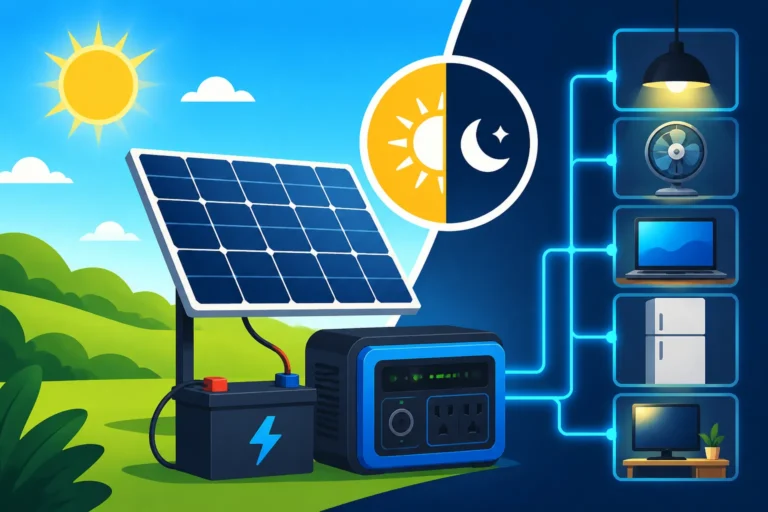
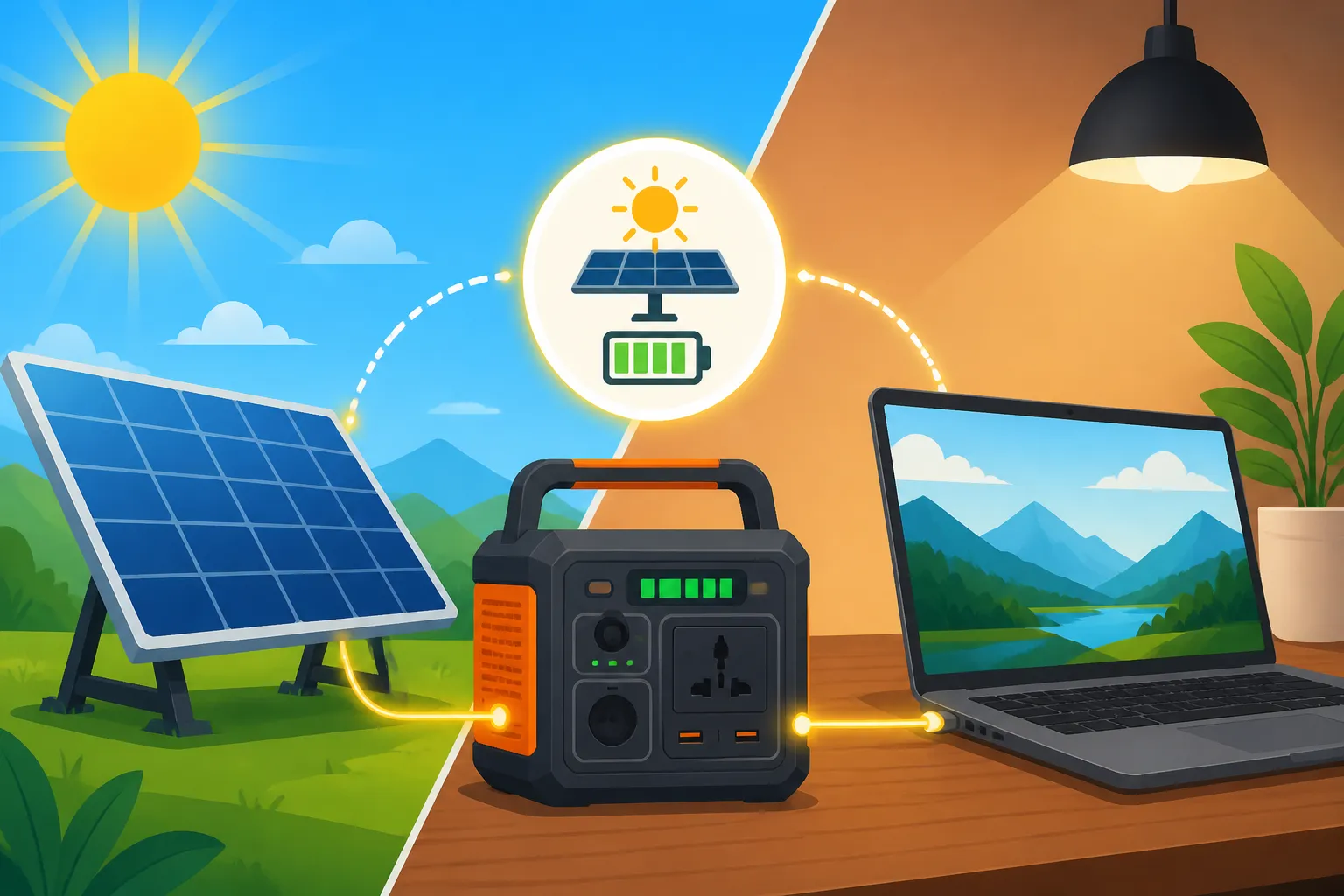
This is where things get really convenient for laptop charging. Solar generators, more accurately described as portable power stations, combine a large battery, an inverter (to provide AC outlets), and a charge controller (to accept solar input) all in one compact unit. Brands like Jackery, Goal Zero, and EcoFlow are popular choices in this space. They offer a straightforward solution: plug in your solar panel to the unit, and then plug your laptop charger directly into the unit's AC outlet.
The cost for these units varies greatly depending on their battery capacity and inverter size. A smaller power station with around 500Wh capacity and a 500W inverter might cost $400-$700. If you need something more substantial, say a 1000-1500Wh unit with a 1000-1500W inverter to handle multiple devices or longer charging sessions, you're looking at $800-$1,500+. These power stations make it incredibly easy to manage your laptop power, especially when coupled with their proprietary solar panels. For a deeper dive, check out guides like "Best Solar Generators for Off-Grid." The convenience often justifies the higher initial cost for many users.
Components for DIY Off-Grid Laptop Charging
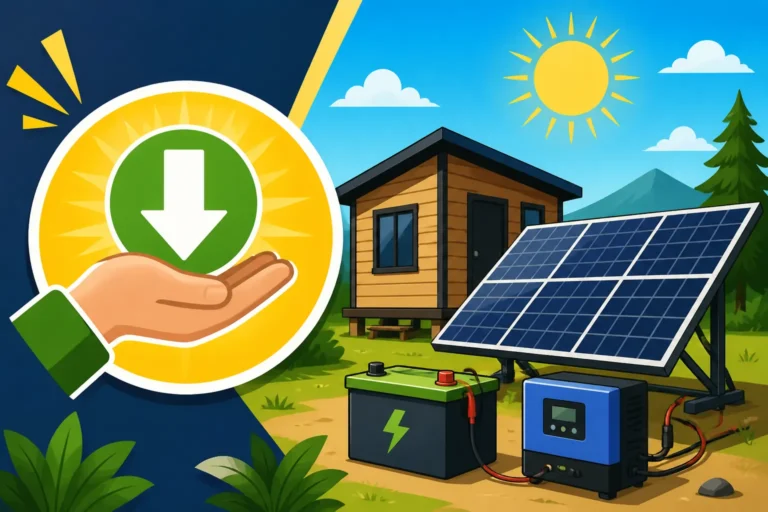
If you're more technically inclined or building a larger, permanent off-grid setup, you might opt for a DIY approach. This involves selecting individual components:
- Solar Panels: These can be rigid panels, similar to those on a roof, typically 100W to 400W each. Expect to pay $100-$300 per panel, depending on wattage and brand.
- Charge Controller: This regulates the power coming from your panels to your battery. An MPPT (Maximum Power Point Tracking) controller is more efficient than PWM (Pulse Width Modulation) and costs more, ranging from $50 for a small PWM to $200-$500 for a robust MPPT controller.
- Battery: This is where the magic happens – storing the sun's energy. For a laptop, a small 12V 50Ah (Amp-hour) lithium iron phosphate (LiFePO4) battery would cost around $200-$400. If you're powering more than just a laptop, you'd scale up the battery bank significantly. You can learn more about the specific "Cost of an Off-Grid Solar Battery Bank" in other resources.
- Inverter: This converts the DC power from your battery into the AC power your laptop charger needs. A good quality pure sine wave inverter, essential for sensitive electronics like laptops, could cost $100-$300 for a 300W-600W model.
The total cost for a basic DIY setup capable of powering a laptop and a few other small devices might start from $500-$1,000, not including wiring, fuses, and mounting hardware. While potentially more complex to set up, a DIY system offers greater customization and expandability in the long run.
Calculating the Real-World Cost of Running a Laptop Off-Grid
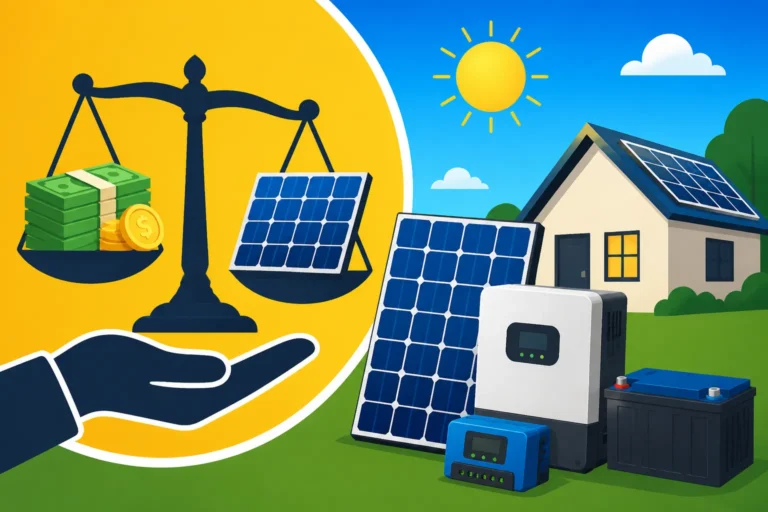
Understanding the individual component costs is just one piece of the puzzle. To truly gauge the cost of running a laptop on off-grid solar, we need to look at both the upfront investment and the long-term running costs, as well as considering the overall value proposition.
Initial Investment versus Daily Running Costs
The initial investment for off-grid solar for a laptop can range widely. As discussed, a simple portable panel connected to a power bank might be a couple of hundred dollars, whereas a full-fledged solar generator could be over a thousand. A small DIY system with a single panel, charge controller, battery, and inverter for just a laptop might hover around the $500 to $800 mark.
The beauty of off-grid solar, especially for relatively low-power devices like laptops, is that once you've made that initial investment, your daily "running costs" are effectively zero. The sun provides the fuel for free. This is a stark contrast to running a gas generator, which constantly consumes fuel and requires maintenance. You might have to factor in minor maintenance for your solar equipment, like cleaning panels or checking connections, but these are minimal compared to traditional power sources.
Here's a quick comparison of typical costs:
| Component/Method | Initial Cost (Estimate) | Daily Running Cost | Pros | Cons |
|---|---|---|---|---|
| Small Portable Solar Panel + Power Bank | $200 – $450 | $0 | Highly portable, entry-level, simple | Limited power, slow charging, small battery capacity |
| Mid-range Solar Generator (e.g., Jackery 500) | $500 – $800 | $0 | All-in-one, multiple outputs, good capacity | Heavier, more expensive, less customizable |
| DIY Mini System (100W panel, 50Ah LiFePO4, 300W inverter) | $500 – $900 | $0 | Customizable, expandable, good efficiency | Requires assembly, more complex, less portable |
| Grid Power (for comparison) | $0 | $0.10 – $0.25/kWh* | Always available (if connected) | Monthly utility bills, dependency, outages |
| Estimates are rough and can vary significantly based on brand, quality, and sales. Daily grid power cost for a laptop is negligible, but overall grid costs add up. |
When you're looking at "Off-Grid Solar Kit Price Ranges," remember that a kit specifically marketed for a laptop might be smaller and more affordable than one designed for a whole cabin.
Lifetime Costs and Return on Investment
While the initial cost can feel like a hurdle, it's crucial to look at the lifetime costs. Solar panels are incredibly durable and often come with 20-25 year warranties, maintaining much of their efficiency for decades. Lithium iron phosphate (LiFePO4) batteries, which are becoming the standard for off-grid applications, boast lifespans of 3,000 to 6,000 charge cycles, potentially lasting 10-15 years or more depending on usage. Inverters and charge controllers are also built to last many years.
Consider a scenario: If you invest $700 in a solar generator like a Jackery Explorer 500, and you use it daily to charge your laptop, you're essentially getting free power for its lifespan. If that unit lasts 7-10 years, that's a significant amount of free electricity. Compare this to the alternative of running a small gasoline generator, which would incur fuel costs daily, plus maintenance and eventual replacement. The long-term savings often make the initial solar investment well "Is Off-Grid Solar Worth the Cost?" for many specific applications like this. Even if you only save a few dollars a month on utility bills by reducing your grid reliance, those savings accrue over time.
Optimizing Your Setup and Saving Money
Going off-grid, even for just a laptop, is all about efficiency and smart choices. You don't want to overspend on a system that's too powerful for your needs, nor do you want one that constantly leaves you scrambling for power. A little planning and a few conscious habits can go a long way in making your off-grid laptop experience smooth and affordable.
Energy-Efficient Laptop Habits
One of the most impactful ways to reduce the cost and size of your off-grid solar setup for a laptop is to reduce your laptop's power consumption in the first place. This doesn't necessarily mean sacrificing productivity; it means being smart about how you use your device.
- Adjust Screen Brightness: The screen is one of the biggest power drains. Dimming your display to a comfortable level can save significant watt-hours.
- Close Unused Applications and Tabs: Every open program and browser tab consumes CPU cycles and RAM, leading to higher power draw. Be disciplined about closing what you're not actively using.
- Optimize Power Settings: Most operating systems (Windows, macOS) have power-saving modes. Utilize these, especially when running on battery or when you have limited solar input.
- Disconnect Peripherals: Unplug USB devices, external monitors, or chargers when they're not in use. Even small draws add up.
- Streamline Workflows: Can you consolidate tasks? Maybe do all your heavy processing when solar input is strongest, and then switch to lighter tasks later.
- Keep Your Laptop Updated: Software updates often include power management improvements.
- Consider a DC-to-DC Charger: Instead of converting battery DC to AC via an inverter, then converting AC back to DC with your laptop charger, a direct DC-to-DC laptop charger can be significantly more efficient, reducing conversion losses and saving energy. These often plug directly into a 12V cigarette lighter style socket.
By adopting these habits, you might find you need a smaller, less expensive solar panel and battery setup, directly impacting your "How to Save Money on an Off-Grid Solar Build."
Choosing the Right Equipment for Your Budget
When it comes to purchasing equipment, balancing cost with quality and longevity is key. You don't always need the most expensive gear, but cheaping out on critical components can lead to frustration and early failure.
- Panel Sizing: For a single laptop, a 100W or 200W solar panel is often sufficient, especially if paired with a decent battery. You might also look at "What a 100W Off-Grid System Can Power and Cost" to get a clearer picture. More panels mean faster charging or more energy reserves for cloudy days, but also higher costs.
- Battery Chemistry: While lead-acid batteries are cheaper upfront, LiFePO4 batteries offer a much longer lifespan, deeper discharge cycles, and better efficiency, making them more cost-effective in the long run. If your budget allows, prioritize LiFePO4.
- Inverter Quality: Always opt for a pure sine wave inverter for laptops and other sensitive electronics. Modified sine wave inverters can damage delicate circuitry and cause buzzing noises. While they might be cheaper, the risk isn't worth it.
- Consider Bundled Kits: For beginners, an all-in-one solar generator or a well-regarded off-grid solar kit can offer excellent value and ease of use. Brands like Renogy or BougeRV offer comprehensive kits that simplify the buying process. When you're asking "How to Choose an Off-Grid Solar System," a kit might be the perfect entry point. These often come with all the necessary components matched for optimal performance.
Remember to consider where you'll be using your system most. If it's for occasional camping trips, a small, portable setup from a brand like Jackery might be perfect. If it's for a permanent remote office, you'll want something more robust and perhaps expandable. Always review "How to Budget for an Off-Grid Solar System" before making any significant purchases to ensure your planned setup aligns with your financial capabilities and energy goals.
Disclaimer
The information provided in this article is for general informational purposes only and does not constitute professional advice. Off-grid solar system design and installation can be complex and involve electrical hazards. Always consult with a qualified solar professional or electrician for specific advice tailored to your situation and ensure all installations comply with local codes and regulations.